How to Bulk Download All SVGs from a Single Webpage
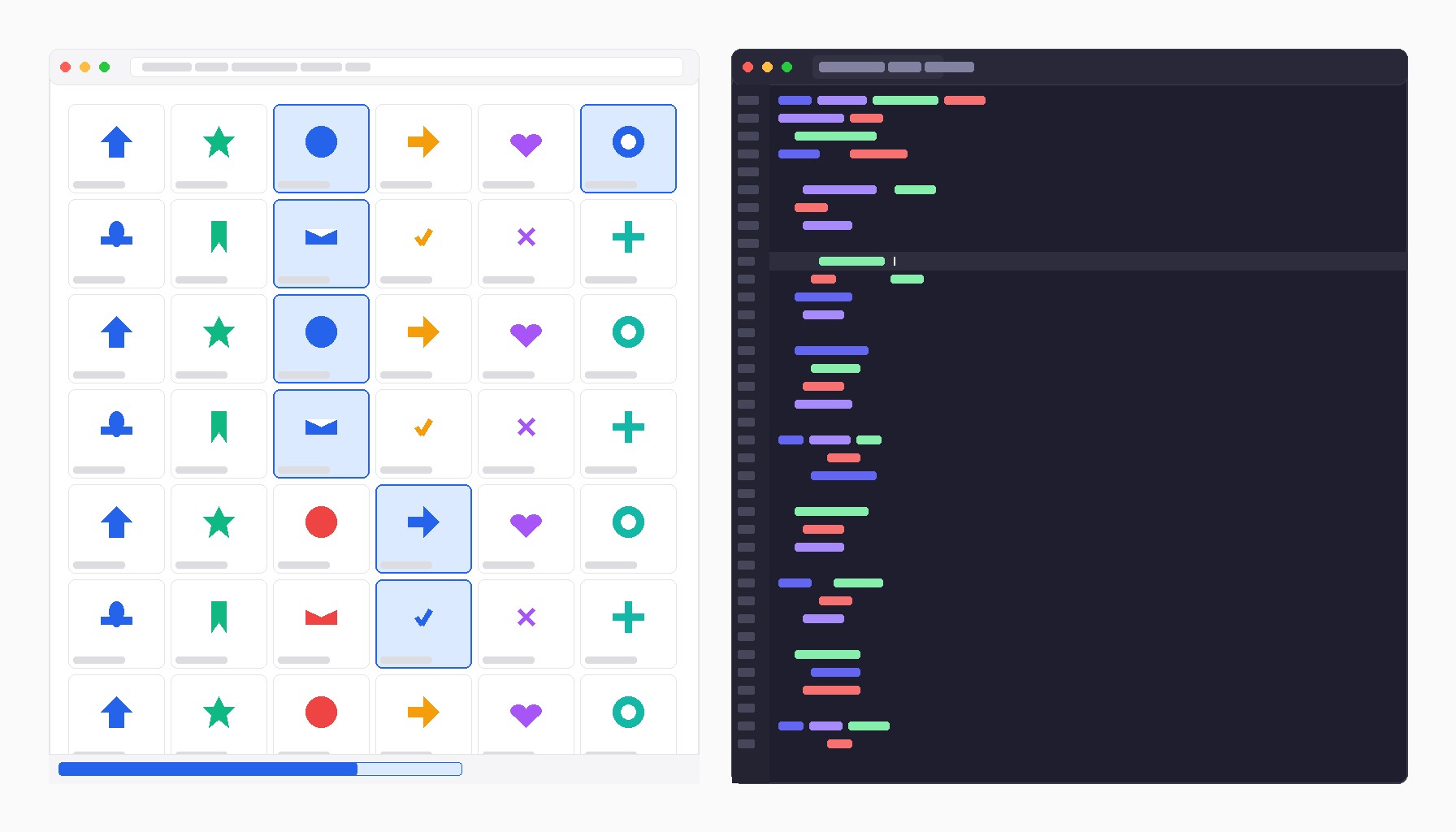
You land on a site that uses a full icon set. Fifty SVGs, all inline or referenced as external files. You need most of them. Right-clicking each one and saving individually takes too long. Here is how to pull them all in one shot.
The three ways SVGs live on a page
Before writing any extraction script, check which pattern the site uses:
1. Inline <svg> elements in the HTML -- no separate file to fetch, but the markup is readable directly. 2. <img src="...svg"> or <use href="...svg"> references -- external SVG files served from the server. 3. CSS background-image with a data URI or a URL pointing to a .svg file.
Most pages mix these. Open DevTools and check the Elements panel before deciding which approach to use.
Extracting all inline SVGs at once
Run this in the DevTools console (F12 on Windows/Linux, Cmd+Opt+I on Mac):
function downloadInlineSVGs() {
  const svgs = document.querySelectorAll('svg');
  if (svgs.length === 0) { console.log('No inline SVGs found'); return; }

  svgs.forEach((svg, i) => {
    const serialized = new XMLSerializer().serializeToString(svg);
    const blob = new Blob([serialized], { type: 'image/svg+xml' });
    const url = URL.createObjectURL(blob);
    const a = document.createElement('a');
    a.href = url;
    a.download = `svg-${i + 1}.svg`;
    a.click();
    URL.revokeObjectURL(url);
  });

  console.log(`Downloaded ${svgs.length} SVGs`);
}

downloadInlineSVGs();
This serializes every <svg> element to a string and triggers a file download for each one. The browser will prompt you once to allow multiple downloads -- click Allow.
One caveat: SVG elements that rely on external stylesheets for their appearance will lose those styles in the saved file. If the icons are self-contained (all styling done with SVG attributes, not CSS classes that live in a <link> stylesheet), the saved files will look correct. If they depend on a page stylesheet, you will need to inline the styles manually.
Filtering out decorative SVGs
Many pages include tiny SVGs that are just chevrons, spinners, or decorative marks -- not the icons you want. Add a size filter to skip them:
function downloadInlineSVGs(minWidth = 20, minHeight = 20) {
  const svgs = [...document.querySelectorAll('svg')].filter(svg => {
    const rect = svg.getBoundingClientRect();
    return rect.width >= minWidth && rect.height >= minHeight;
  });

  svgs.forEach((svg, i) => {
    const serialized = new XMLSerializer().serializeToString(svg);
    const blob = new Blob([serialized], { type: 'image/svg+xml' });
    const url = URL.createObjectURL(blob);
    const a = document.createElement('a');
    a.href = url;
    a.download = `svg-${i + 1}.svg`;
    a.click();
    URL.revokeObjectURL(url);
  });

  console.log(`Downloaded ${svgs.length} SVGs`);
}

downloadInlineSVGs(24, 24);
Tweak 24 to match the icon sizes you are after. Most decorative SVGs (nav chevrons, spinner rings) render under 16px, so a threshold of 20-24 usually filters them out cleanly.
Grabbing external SVG references
When icons are loaded as <img src="*.svg"> or referenced via <use href>, you need to collect the URLs and fetch the files directly:
async function downloadExternalSVGs() {
  const urls = new Set();

  document.querySelectorAll('img[src*=".svg"]').forEach(img => urls.add(img.src));

  document.querySelectorAll('use[href], use[xlink\\:href]').forEach(use => {
    const href = use.getAttribute('href') || use.getAttribute('xlink:href');
    if (href && !href.startsWith('#')) {
      urls.add(new URL(href.split('#')[0], location.href).href);
    }
  });

  console.log(`Found ${urls.size} external SVG URLs`);

  let count = 0;
  for (const url of urls) {
    try {
      const res = await fetch(url);
      const text = await res.text();
      const blob = new Blob([text], { type: 'image/svg+xml' });
      const blobUrl = URL.createObjectURL(blob);
      const a = document.createElement('a');
      a.href = blobUrl;
      a.download = url.split('/').pop().split('?')[0] || `svg-${count + 1}.svg`;
      a.click();
      URL.revokeObjectURL(blobUrl);
      count++;
      await new Promise(r => setTimeout(r, 80));
    } catch (err) {
      console.warn(`Skipped ${url}: ${err.message}`);
    }
  }

  console.log(`Downloaded ${count} SVGs`);
}

downloadExternalSVGs();
This only works for same-origin SVGs or cross-origin SVGs that include proper CORS headers. For third-party icon CDNs that block CORS, the fetch will fail and you will see the URL logged -- open those manually in a new tab.
Running both in one pass
If you want inline and external SVGs in a single run:
async function bulkDownloadAllSVGs() {
  // Inline SVGs (skip tiny decorative ones)
  const inlineSVGs = [...document.querySelectorAll('svg')].filter(svg => {
    const r = svg.getBoundingClientRect();
    return r.width >= 16 && r.height >= 16;
  });

  inlineSVGs.forEach((svg, i) => {
    const serialized = new XMLSerializer().serializeToString(svg);
    const blob = new Blob([serialized], { type: 'image/svg+xml' });
    const url = URL.createObjectURL(blob);
    const a = Object.assign(document.createElement('a'), {
      href: url,
      download: `inline-${i + 1}.svg`
    });
    a.click();
    URL.revokeObjectURL(url);
  });

  // External SVG references
  const externalURLs = new Set();
  document.querySelectorAll('img[src*=".svg"]').forEach(img => externalURLs.add(img.src));
  document.querySelectorAll('use[href], use[xlink\\:href]').forEach(use => {
    const href = use.getAttribute('href') || use.getAttribute('xlink:href');
    if (href && !href.startsWith('#')) {
      externalURLs.add(new URL(href.split('#')[0], location.href).href);
    }
  });

  for (const url of externalURLs) {
    try {
      const text = await (await fetch(url)).text();
      const blob = new Blob([text], { type: 'image/svg+xml' });
      const blobUrl = URL.createObjectURL(blob);
      const a = Object.assign(document.createElement('a'), {
        href: blobUrl,
        download: url.split('/').pop().split('?')[0] || 'external.svg'
      });
      a.click();
      URL.revokeObjectURL(blobUrl);
      await new Promise(r => setTimeout(r, 80));
    } catch {}
  }

  console.log(`Done. Inline: ${inlineSVGs.length}, External: ${externalURLs.size}`);
}

bulkDownloadAllSVGs();
Paste it into the console, allow multiple downloads when prompted, and everything lands in your Downloads folder with filenames preserved from the source where possible.
What about SVG sprites?
SVG sprites store multiple icons as <symbol> definitions inside one .svg file. The individual icons are not separate files -- the external fetch approach will get you the whole sprite document. To split it into individual icons:
// Paste spriteText from a fetch() call, then:
const parser = new DOMParser();
const doc = parser.parseFromString(spriteText, 'image/svg+xml');
const symbols = doc.querySelectorAll('symbol');

symbols.forEach(symbol => {
  const id = symbol.id || 'symbol';
  const viewBox = symbol.getAttribute('viewBox') || '0 0 24 24';
  const svgString = `<svg xmlns="http://www.w3.org/2000/svg" viewBox="${viewBox}">${symbol.innerHTML}</svg>`;
  const blob = new Blob([svgString], { type: 'image/svg+xml' });
  const url = URL.createObjectURL(blob);
  const a = Object.assign(document.createElement('a'), { href: url, download: `${id}.svg` });
  a.click();
  URL.revokeObjectURL(url);
});
This gives you one file per symbol, with the symbol ID as the filename.
Saving scripts as DevTools snippets
If you are going to use these scripts repeatedly, save them as a Snippet in DevTools rather than re-pasting each time. In Chrome: Sources panel → Snippets → New snippet. Name it something like bulk-svg-download, paste the script, and run it with Cmd+Enter (or right-click → Run). It persists across browser restarts.
The no-script option
If you would rather not paste scripts into a console, try SVG Scraper. Paste a URL, and it surfaces every SVG on the page -- inline, external, and CSS background variants -- with preview thumbnails and individual download buttons. Good for a one-off job or for pages where the console approach runs into CORS issues.
For repeatable workflows, the DevTools snippet approach is faster once set up.